Selection around the load list
Bring the connected equipment and the way it operates into the sizing discussion. Share simultaneous use and changes expected during the project.
View rental equipment →
Rent temporary power equipment around the loads you need to run and the areas they serve. Lakes Gear provides selection and sizing for generators, distribution and connections, with delivery, installation and startup planned together. Include technical support 24/7, on-site service, replacement and remote monitoring in the rental plan.
Request temporary power equipmentEquipment rental & site support
Bring the connected equipment and the way it operates into the sizing discussion. Share simultaneous use and changes expected during the project.
View rental equipment →Include supply positions, work areas, connection points and cable routes so the rental request reflects where power is needed.
Read the guide →Coordinate arrival, connection and startup with site readiness. Include the order connected systems need to be ready.
Explore rental support →Bring operating contacts, site access and service needs into the same plan. Lakes Gear provides technical support 24/7, on-site service and replacement.
Explore rental support →Identify each area that needs power, its connected equipment and approximate distance from the supply. Include areas added in later phases.
Explore rental solutions for Several work areasShare the supply information you have, the available connection points and existing distribution equipment that the rental must work alongside.
Read the guide for Existing supply connectionsDescribe shifts, loads that run for long periods and the contacts coordinating equipment use and support during those hours.
Explore rental support for Extended operating hoursExplain when tools or systems are added, removed or moved. Bring likely changes in demand and rental duration into the plan.
Explore rental solutions for Changing project phasesInclude unloading arrangements, the route to the equipment position and restrictions that affect setup or cable routing.
Explore rental support for Placement and arrival accessDefine what the site needs to keep track of during operation, the equipment involved and who will coordinate monitoring and service.
Explore rental support for Equipment oversightPower source
Begin by explaining whether the project needs a generator or will use a supply already on site. List the tools, lighting and other equipment that need power, with voltage, phase and nameplate information where known.
View rental equipment for Power-source selectionPower distribution
Describe the full route from the intended supply position to each working area. Include connection points, approximate cable distances and distribution equipment already on site so the request reflects how power reaches the work.
View rental equipment for Distribution & connectionsLoad testing
Start with the specification supplied by the people responsible for the test. Identify the equipment under test, the purpose of the planned work and the load, voltage and phase information already defined.
View rental equipment for Planned load-test inputsList the tools, lighting and systems that need power, then record voltage, phase and nameplate information where available. Identify simultaneous use, long-running loads and changes between phases. Connect the list to the site layout: supply position, working areas, connection points and approximate cable routes.
The temporary-power checklist helps bring these details into one summary, even while the final equipment list is being developed.
Use the temporary power checklist
Power-source requirements
Include generators when the work needs its own temporary electrical source. Describe the equipment to be powered and where it will operate, then connect the load list to the planned distribution arrangement.
View rental equipment for GeneratorsBring temporary lighting into the power request when crews need to work or move through the site after daylight. Describe the tasks, work zones, loading areas and access routes, with approximate dimensions and obstructions.
View rental equipment for Temporary lightingLoad-test requirements
Include load-bank rental when a project has defined load-testing requirements. Include the specified loads, electrical details and test sequence in your request, and explain whether the rental is part of a wider temporary power arrangement.
View rental equipment for Load banksInclude heating, portable air conditioning, dehumidification or ventilation when the project needs to change conditions in a temporary space. Explain the temperature, moisture or air-movement problem and the result the work requires.
View rental equipment for Climate controlPump-system requirements
Bring the pumping task into the power discussion when temporary water transfer or removal forms part of the project. Describe the liquid, visible solids and the goal, including a defined flow requirement when available.
View rental equipment for PumpsList the tools or processes using compressed air and explain which crews or users work at the same time. Include pressure and air-consumption information from the equipment details when available, or begin with the tasks.
View rental equipment for Air compressorsA new phase can change the loads, their location and the connections they need. Describe areas added later, equipment moved between zones and shifts that change operating hours. Give each requirement a timeline and identify the site contact coordinating those changes.
Include service needs and the return sequence alongside the initial delivery. A current project summary helps keep generation, distribution and related equipment connected through the rental.
Plan across the rental period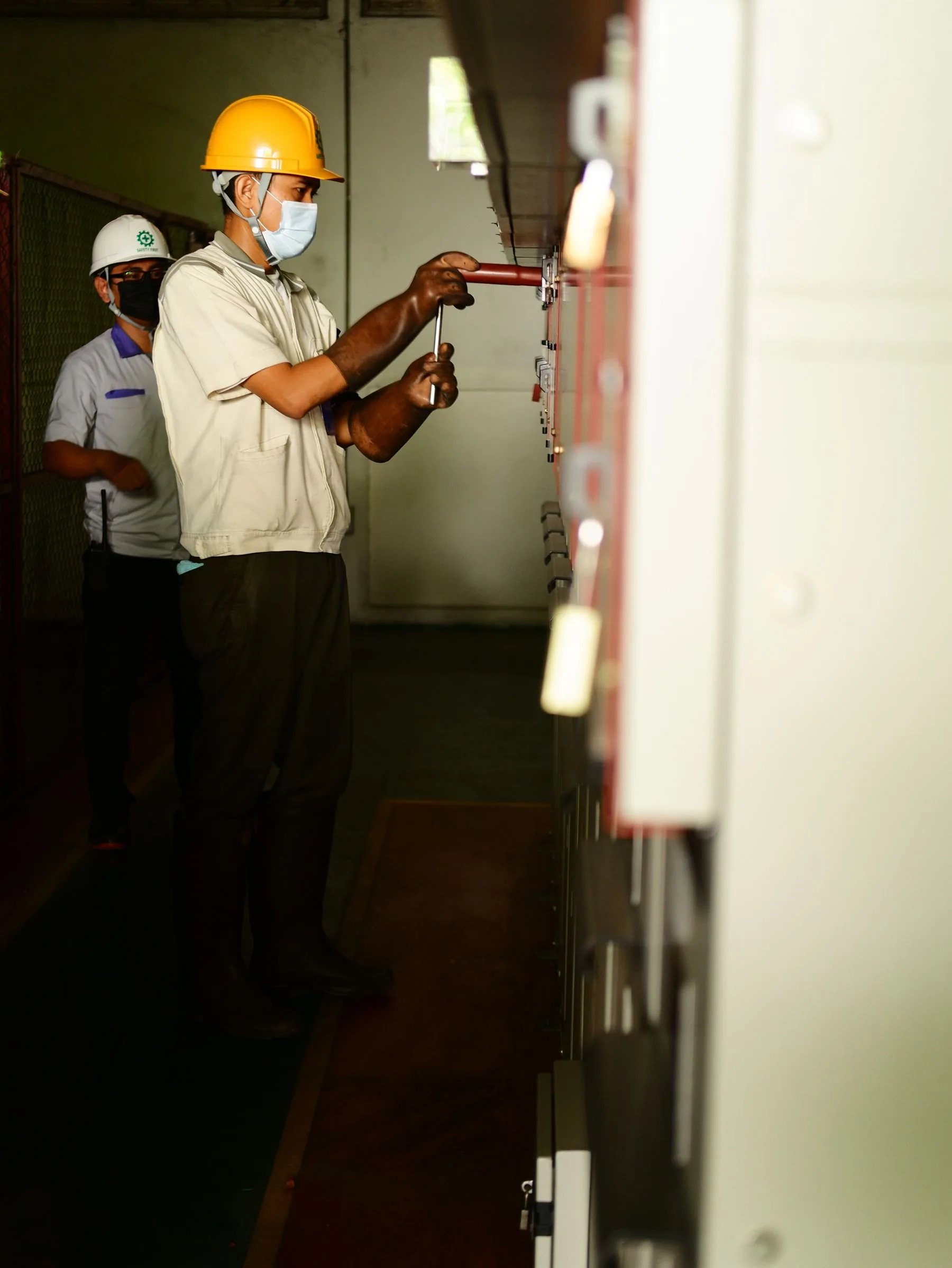
Planning guide
Bring tasks, categories, site conditions, setup and dates into one useful rental summary.
Read the guide for Gather the full equipment requirementPlanning guide
Connect the load list to supply locations, cable routes and the people coordinating site power.
Read the guide for Map power to the work areasDelivery planning
Share the arrival route, unloading area and path to the equipment position. Include the contact coordinating site access and the setup window.
Explore rental support →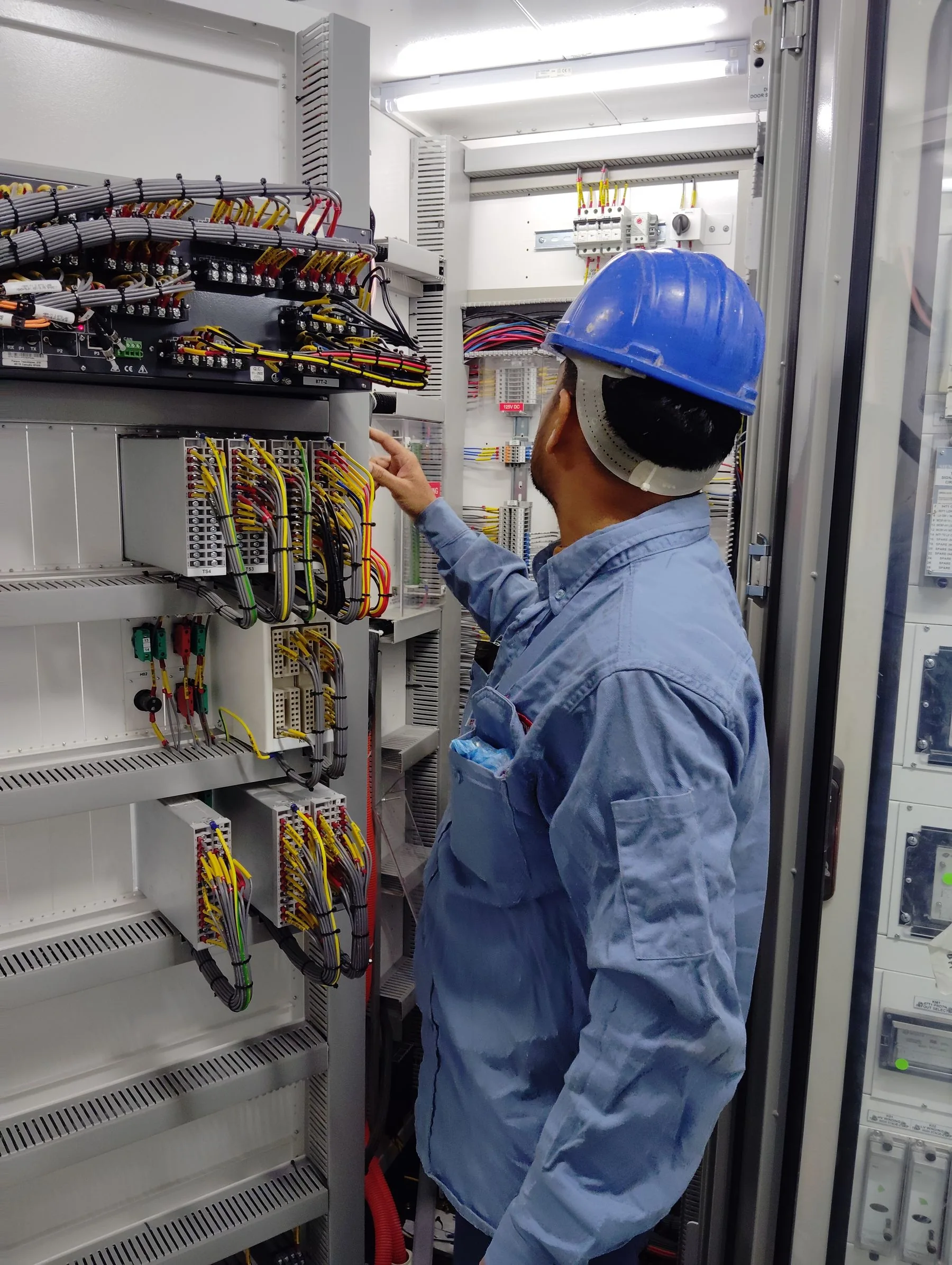
Equipment startup
Describe which systems need to be ready first and the loads they support. Bring existing supplies, connection points and readiness milestones into the startup discussion.
Explore rental support →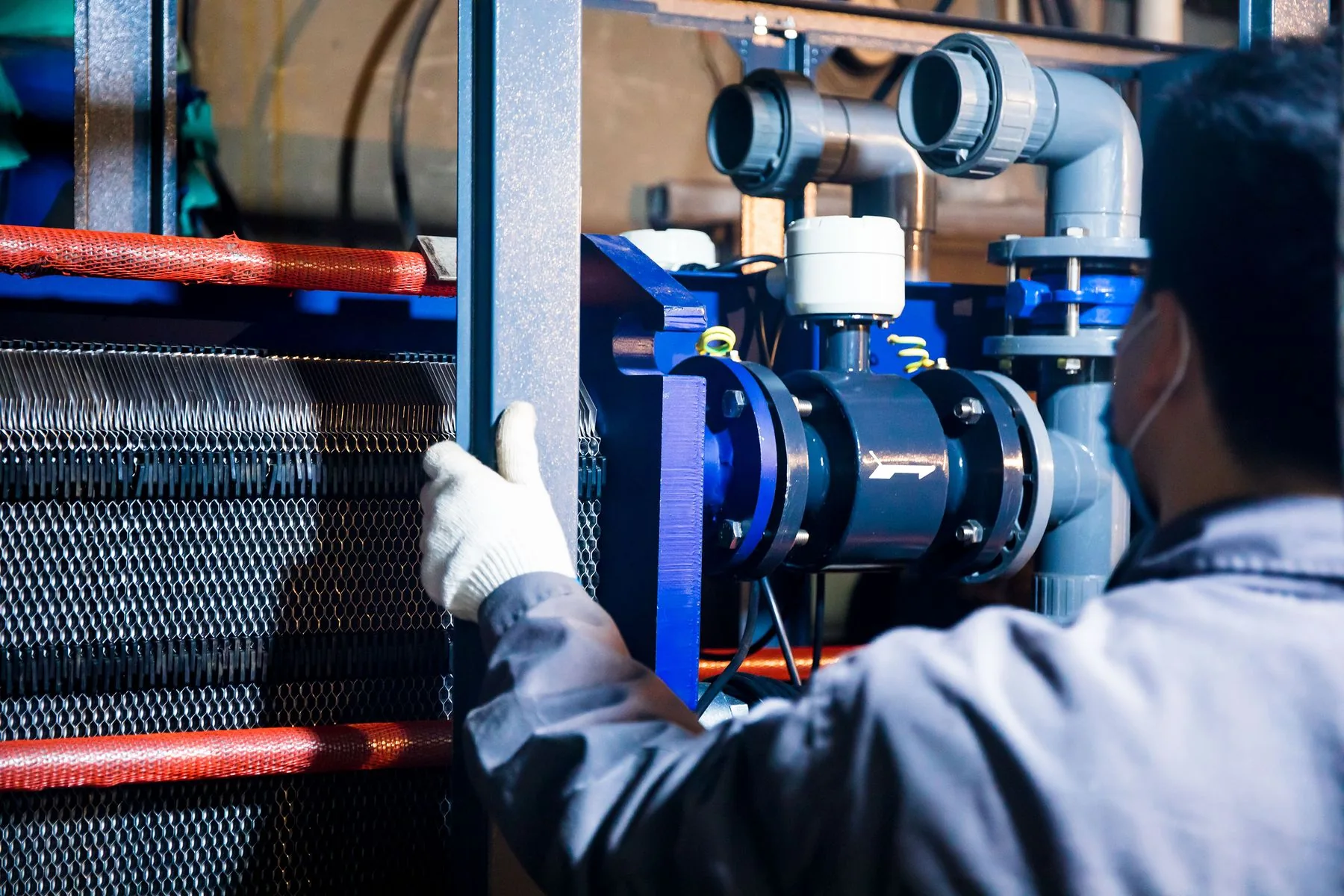
Remote monitoring
Explain the oversight requirement, the equipment involved and who will coordinate information and service during operation.
Explore rental support →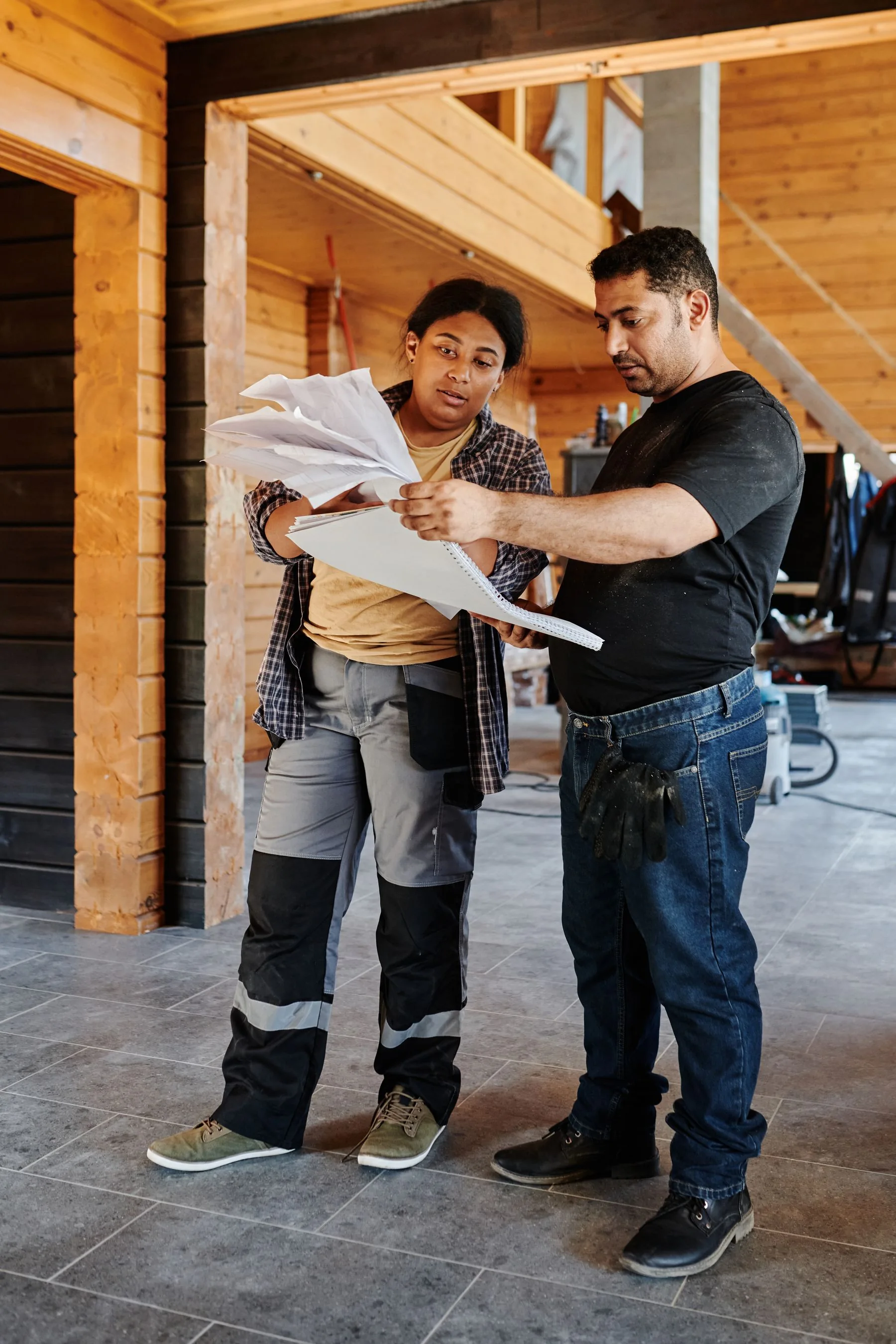
Rental timeline
Highlight adjustments to loads, working areas or dates. Include dependencies between connected systems and the order equipment will leave the site.
Explore rental solutions →